Free
$0/month
Trying it out and side projects
- 50 renders a month
- Full API, async jobs, and MCP endpoint
- PDF, PNG, JPEG, WebP, and Markdown output
- No credit card needed
A URL to PDF API for real pages: send a URL or POST raw HTML, rendered print-stable on pinned headless Chromium. One call handles the browser work for your backend or agent.
One call holds the connection: the 200 answers with the finished receipt and its download URL. No polling and no job tickets unless you ask for ?wait=false.
50 renders a month, no credit card. First render in seconds.
URL input: public http(s) only. HTML input: no URL needed. Private and local addresses are refused; bot protection, access controls, unreachable pages, and page errors can prevent output. Target limits and render errors.
curl -X POST \
  https://webcapture.io/v1/convert \
  -H "Authorization: Bearer wc_your_key" \
  -H "Content-Type: application/json" \
  -d '{"url": "https://example.com/"}'

200 {"id": "cnv_9f2c01ab", "bytes": 34121,
    "remaining": 49,
    "download":
"…/v1/conversions/cnv_9f2c01ab.pdf"}Nothing staged: every tile below is the actual render of the site it names.
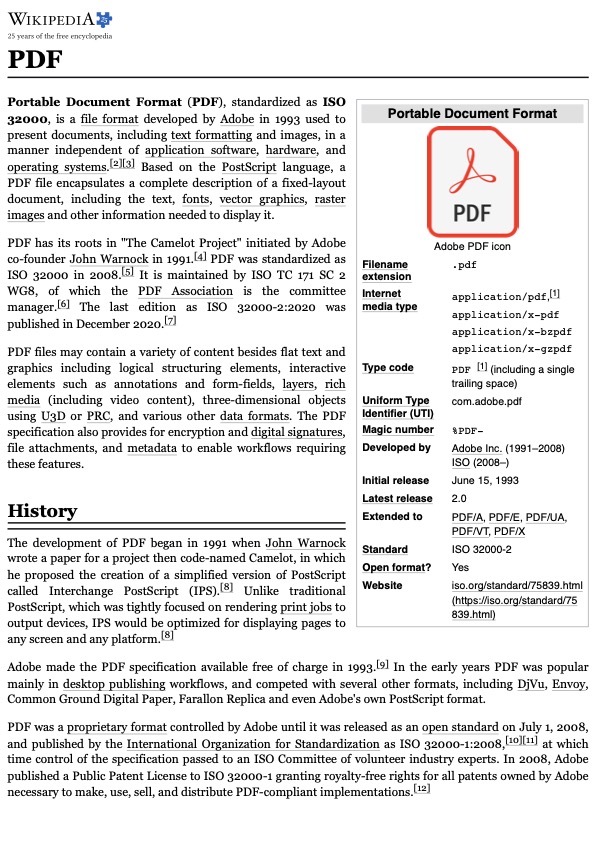
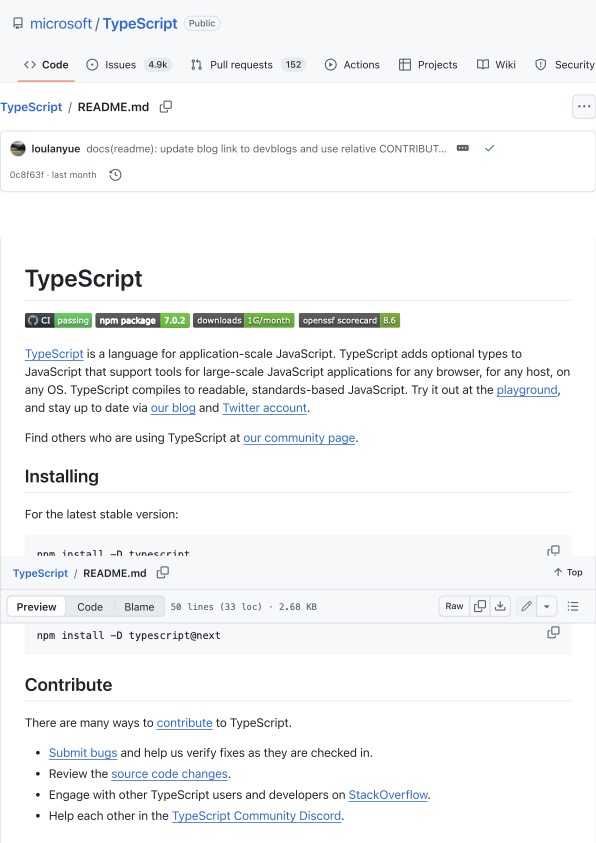

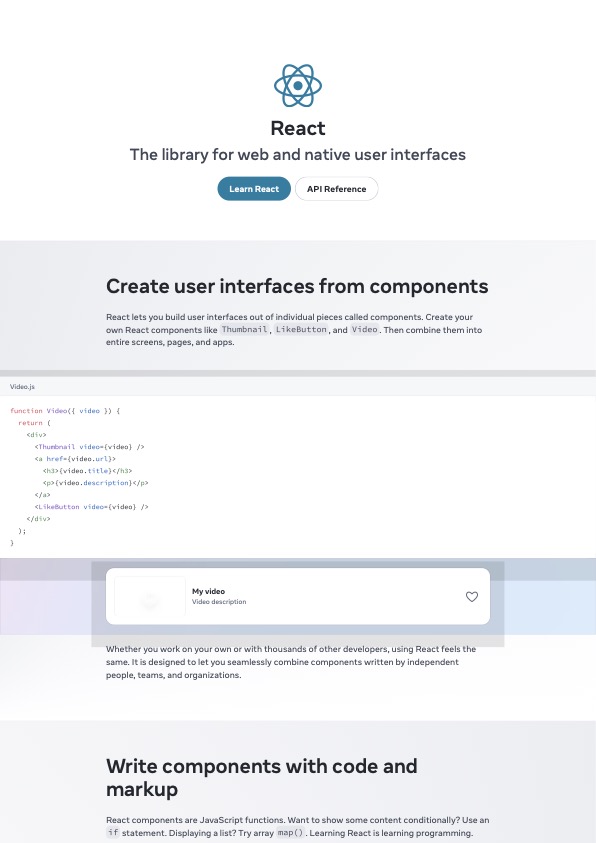
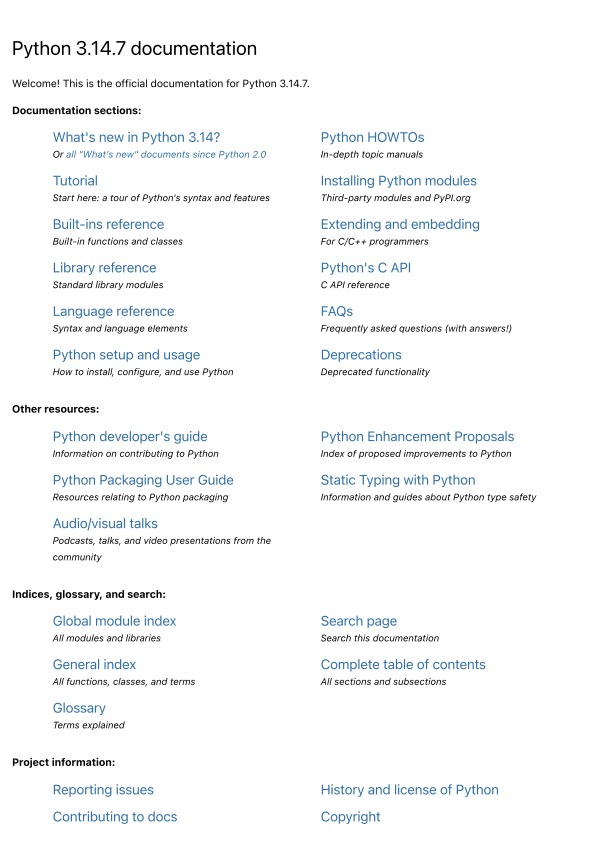
Free, no signup. Three renders a minute, ten a day. One call did that: the whole API is four calls, in the docs. Prefer a form to a terminal? The free URL to PDF tool runs the same engine.
en.wikipedia.org/wiki/PDF
POST /v1/convert
connection held.
HTTP/2 200
34,121 bytes
download cnv_9f2c01ab.pdf
Four moments. One call. The whole document.
Most converters print too soon. webcapture gives the page bounded settle, selector, image, and network waits, and failed waits return an error instead of a partial document.
this page: 399 KB
this page: 1.3 MB
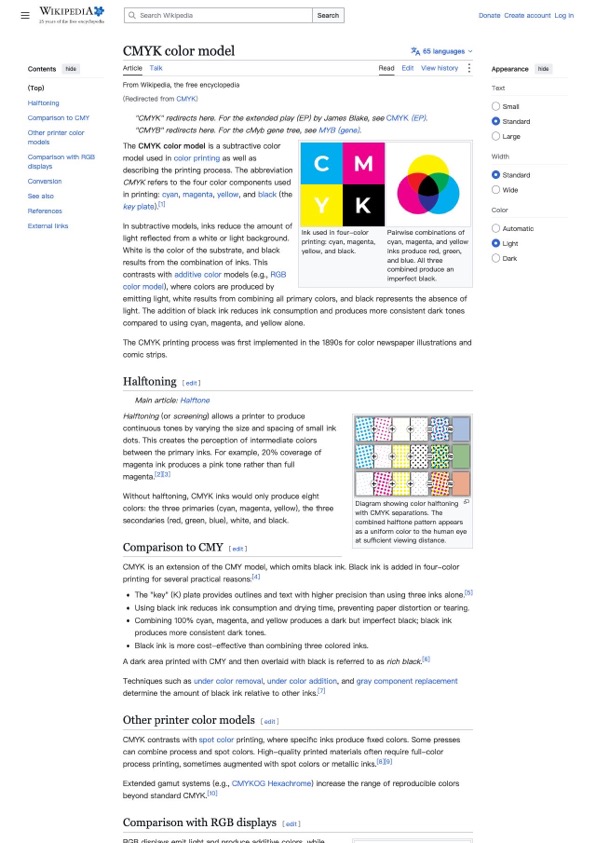
this page: 655 KB
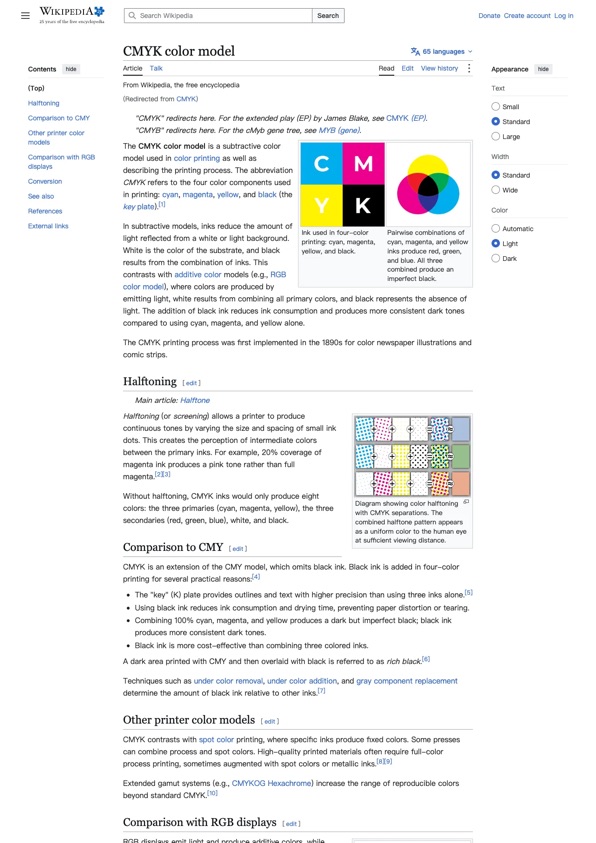
this page: 425 KB
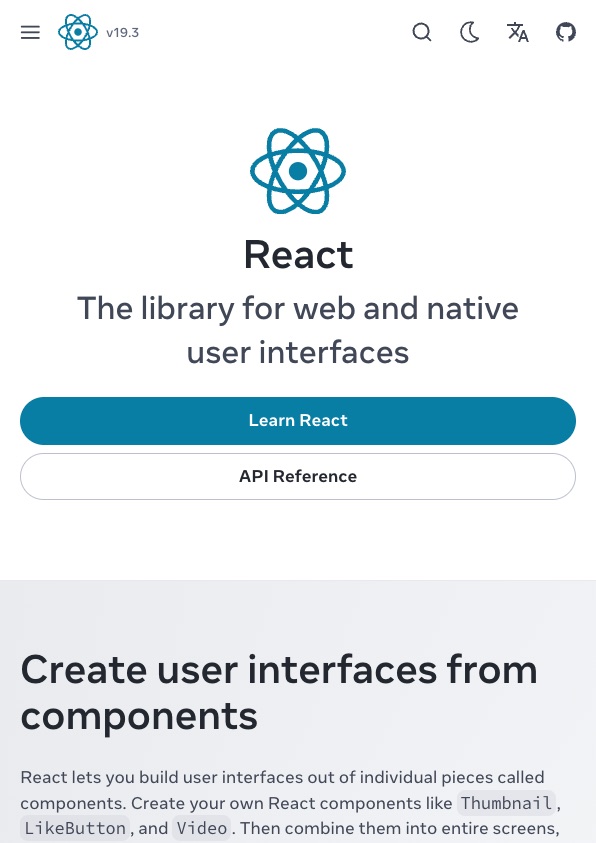
this page: 36 KB
colorScheme: "light"
colorScheme: "dark"One parameter picks the palette: light, dark, or site to keep whatever the page serves.
One config block turns your agent into a client: it calls render_pdf.
Paste this into Claude Desktop or Cursor, then just ask. Full details at /docs#agents.
The HTML to PDF API comparison sets webcapture, PDFShift, DocRaptor, Gotenberg, Urlbox, Browserless, ScreenshotOne, and APITemplate.io on the same rows, every cell read from the vendor's own docs, with our own gaps printed and the vendor to choose instead. Every call renders in a real Chromium and bills one rendered document of any size, never per output size. The five a buyer argues about first:
$0/month
Trying it out and side projects
$19/month
Products that generate documents at scale
$69/month
Heavy pipelines and whole-site captures
A conversion is one rendered page, however heavy the page is. Past the quota the API answers 429 and never bills overage.
Machine-readable rate card/pricing.md
Comparing vendors first? The best-of price check and the free-tier table measure the whole field, ours included. Coming from wkhtmltopdf? The alternatives hub maps every wrapper and language binding to the switch. Going straight to code? Pick your stack: the JavaScript, Java, and PHP quickstarts, the screenshot API, or the HTML to image API.
A web service that turns a page address into a finished PDF document. You POST the URL, headless Chromium loads and renders the page with print-stable settings, and the response hands back a downloadable PDF. No browser infrastructure of your own to run.
Send an authenticated POST to /v1/convert with the target URL in the JSON body. The response returns a conversion id, the byte size and a download path; GET that path with the same API key to fetch the rendered file. The docs walk through a complete curl example.
Yes. webcapture ships a first-party MCP endpoint at /mcp: an agent sends initialize, lists tools, and calls render_pdf with a URL. MCP clients that speak HTTP connectors, from Claude Desktop to your own agent, get PDF rendering as one tool call. In browsers that ship WebMCP, the free try-it form on this page also registers itself as a render_pdf tool an agent can call directly.
PDF on A4 paper with optional tagging, headers and footers, scaling and page ranges; full-page or viewport screenshots as PNG, JPEG or WebP with configurable quality; and clean Markdown extraction for feeding page content into LLM pipelines.
Yes. POST your markup as the html field instead of url, up to 1 MB, with an optional baseUrl to resolve relative links and assets. Raw HTML renders with the same engine and the same options, so invoices, receipts and reports never need a public URL. The API docs cover the html and baseUrl fields.
Yes. Pass "sandbox": true on a convert call and the render is quota-free on every plan and every format; sandbox PDFs carry a visible watermark so test output cannot be mistaken for production. The try-it form on this page runs on its own small limit and never touches account quota.
Chromium 151.0.7922.34 driven by Patchright (the Playwright 1.62 API), checked 2026-09-19. Every render uses this same pinned build, so a URL renders the same way on every call: no silent engine drift between renders.
The free plan includes 50 renders a month at $0; Pro is $19 a month for 5,000 renders. Scale is $69 a month for 35,000 renders. Annual billing takes two months off: Pro is $190 a year and Scale is $690 a year. Every plan includes the full API, async jobs, polling, the MCP endpoint and all output formats; signed webhook delivery and higher concurrency start at Pro, and 30-day render retention starts at Scale. Quotas reset monthly and never bill overage, and the account address gets one email at 80% and one at 100% of the quota. Quotas are per account.
Renders retry automatically when a challenge page is detected. If a target still refuses after all attempts, the API returns 502 so your pipeline can fall back instead of hanging; hard targets are out of scope by design.
Successful PDF renders cover the full document, and image captures default to fullPage, with viewport-only and clipping options when you want them. As a stress test, one full Wikipedia article came out at 325 pages.
The renderer loads the page, gives it bounded time to settle, then scrolls the full document in steps to trigger lazy content. In our checks, react.dev, a fully hydrated React app, renders complete.
wkhtmltopdf was archived in 2023 and has shipped nothing since its last release, 0.12.6 in June 2020. The WebKit inside it has not been updated since 2012, and its own status page says not to use it with untrusted HTML. webcapture renders with headless Chromium, so pages built on modern CSS and web fonts print with them applied. The wkhtmltopdf alternatives hub maps each wrapper and language binding to the switch.
No. webcapture is webcapture.io, this site: one REST call renders a page to PDF, PNG, JPEG, WebP, or Markdown. webcapture.ai is a separate screenshot API run by BITPOLAR Digital Solutions GmbH in Freiburg, Germany, with a 7-day, 100-screenshot trial instead of a permanent free plan and no Markdown output (their site, re-checked 2026-11-04). The two projects are not affiliated, and an account on one means nothing on the other.
The security page lists compliance gaps, not badges. The comparison tables come from the vendors' own documentation. Check dates are printed beside the tables.
hello@webcapture.io goes to the person who ships the fixes: one systems engineer, no account manager, no tickets. The copies we hold auto-delete after 7 to 30 days, depending on plan. Leaving is easy: billing runs through Stripe and your outputs are plain files.
Mint a key, POST a URL, and the finished document is on its way back. example.com rendered in under two seconds on our last run; heavier pages take longer, and the waiting still isn't your problem.
Free plan. 50 renders a month, no credit card, never billed overage.